 Elite Timing Ireland
Participant help
Step-by-step answers for finding an event, completing registration, handling payment status, and reporting corrections.
How do I find an event?
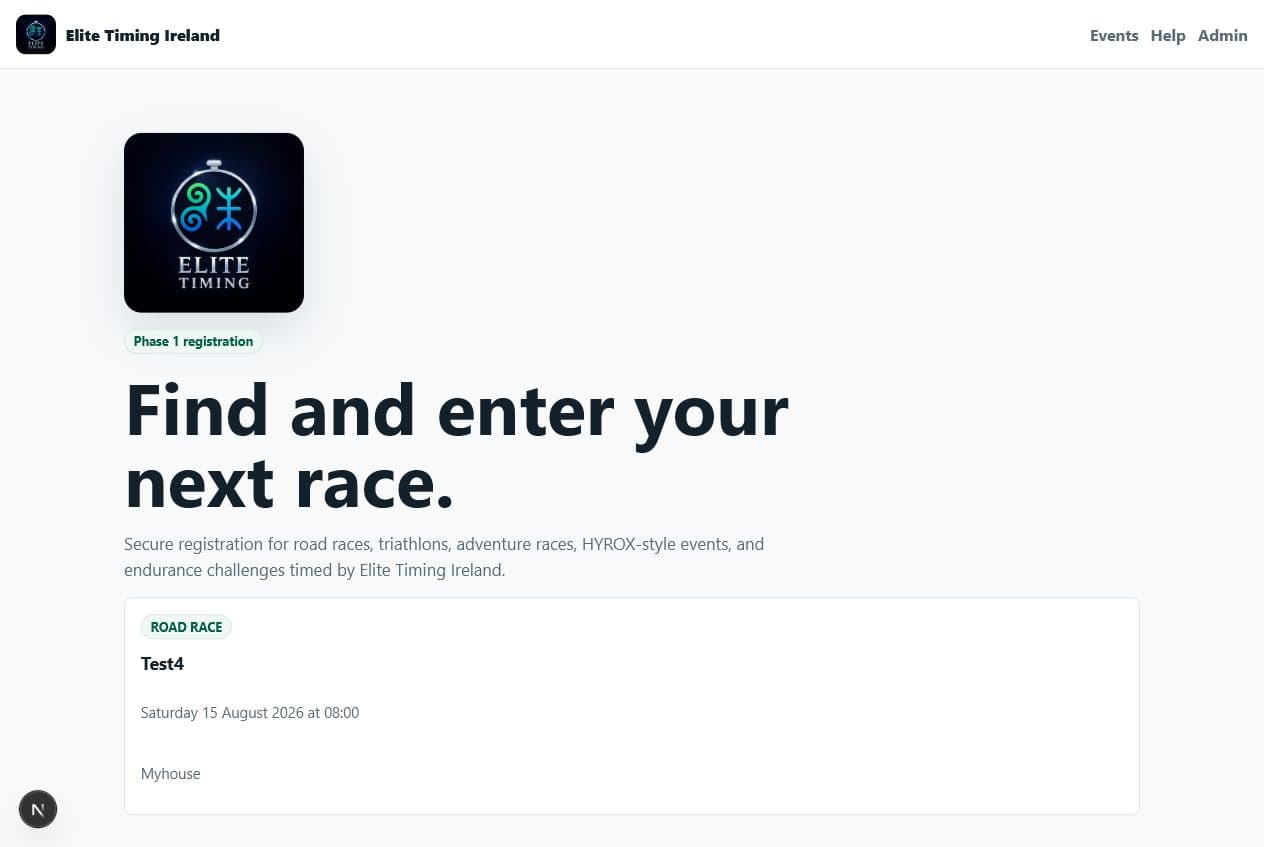
- Open the Events page from the top navigation.
- Choose the event you want to enter.
- Check the event date, venue, category options, and displayed price.
- Select the category that matches your race distance or entry type.
How do I complete registration?
- Select a category.
- Enter participant details exactly as they should appear in race-day records.
- Add emergency contact details and any event-specific questions.
- Review required consent wording and optional marketing choices.
- Accept the waiver, then continue to payment.
Payments and confirmation: why does my registration say payment pending?
- The platform does not confirm a registration from the browser return page alone.
- Stripe must send a verified payment webhook to Elite Timing Ireland.
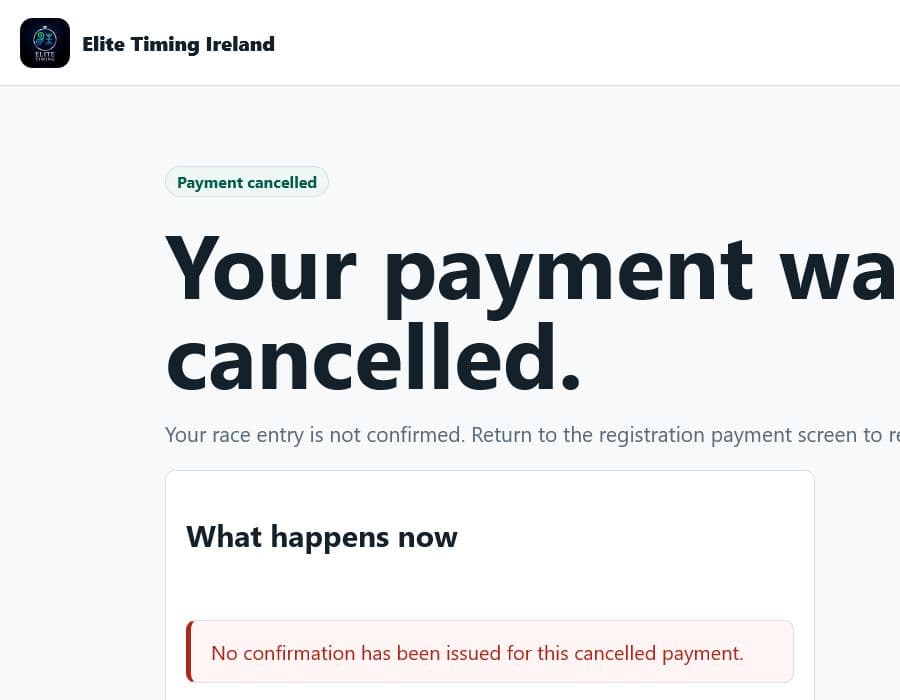
- If payment is interrupted, use the retry payment option where shown.
- If the status remains pending after payment, keep the registration ID and contact support.
What changes if the participant is under 18?
- Enter the participant date of birth first.
- If they are under 18 on event day, guardian fields will be required.
- The guardian must complete the required consent step.
- Registration cannot proceed without the required guardian consent.
Is marketing consent required?
- No. Required registration processing consent is separate from optional marketing consent.
- Leaving marketing consent unticked should not stop registration.
- You can still complete the event entry when optional marketing consent is not selected.
What should I do if I need a correction?
- Keep the event name, category, registration ID, and email address used for entry.
- Contact the event organiser or Elite Timing Ireland support contact for that event.
- Explain the correction needed, such as name spelling, club, category, bib, chip, or wave.
- Do not submit a duplicate registration unless support asks you to.
Before contacting support
- Note the event name and category.
- Keep your registration ID if one was shown.
- Keep the email address used during registration.
- For payment issues, include whether payment was cancelled, failed, or pending.